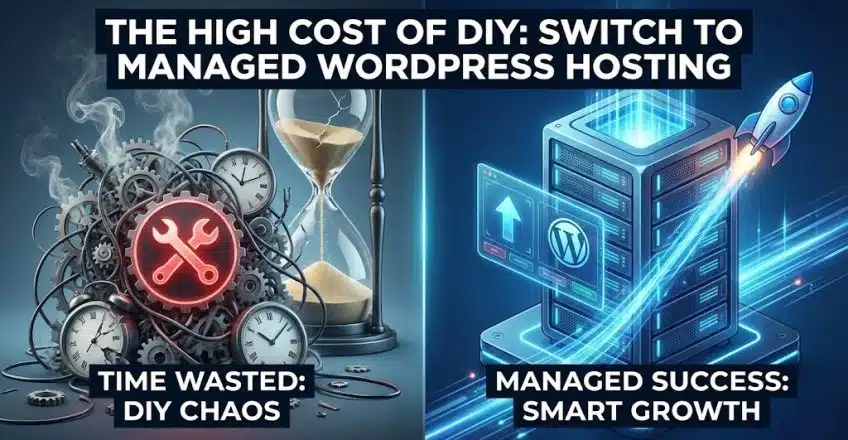

There is a phase in every startup’s life called the “Generalist Phase.” You are the CEO, but you are also the marketing director, the customer support agent, and—reluctantly—the IT guy.
When you first launch your WordPress site, handling the technical side seems easy. You click “Update” on a few plugins. You tweak a theme setting. It takes five minutes.
But as your traffic grows, the complexity compounds. Suddenly, a simple plugin update breaks your checkout page. A database error takes your site offline for three hours. You find yourself spending your Saturday night reading forums about PHP versions instead of strategizing for Q4.
This is the bottleneck that kills growth.
In the global market, time is your most expensive asset. This is why scaling companies eventually abandon standard hosting for Managed WordPress Hosting. It is the difference between renting a car (where you drive and buy gas) and hiring a chauffeur (where you sit back and work).
What Actually Is “Managed” Hosting?
Many users confuse “hosting” with “management.”
-
Standard Hosting: You rent space on a server. The host ensures the electricity is on and the internet is connected. Everything inside that space—security patches, software updates, speed optimization—is your problem.
-
Managed WordPress Hosting: You rent a team of experts along with the server. The host takes over the technical maintenance of the WordPress application itself.
It is a concierge service for your digital presence.
The “Staging Environment” Superpower
One of the richest features of Managed WordPress Hosting is the “Staging Environment.”
On standard hosting, if you want to test a new design or a new feature, you often have to do it on your live website. This is dangerous. One wrong line of code, and your public site crashes.
With a managed solution, you get a one-click clone of your website—a safe sandbox. You can break things, test new code, and experiment freely. Once you are happy with the changes, you push them to the live site with a single click. For a professional brand, this workflow is essential for risk management.
Performance Tuned Specifically for WordPress
Generic servers are designed to host anything—Joomla, Drupal, custom code. They are “Jacks of all trades.”
Managed WordPress Hosting servers are specialists. The entire architecture—from the caching layers (like Varnish or Redis) to the database configurations—is fine-tuned specifically for WordPress.
-
Queries run faster.
-
Heavy themes load lighter.
-
The server “speaks the language” of your CMS natively.
This results in a speed boost that is often impossible to achieve on shared hosting, no matter how many optimization plugins you install.
Security: Proactive vs. Reactive
On a standard host, if your site gets hacked, you get a notification (if you’re lucky) and a bill for the cleanup.
Managed WordPress Hosting is proactive. Because the host manages the environment, they can block WordPress-specific threats before they reach your site. They automatically patch security vulnerabilities in the core software. If malware does get in, most managed plans include free cleanup services.
It transforms security from a source of anxiety into a background utility that just works.
Conclusion: Return on Time Invested
The question isn’t “Can I manage my own server?” The question is “Should I?”
If your hourly rate as a business owner is $100, and you spend 5 hours a month troubleshooting technical issues, you have just spent $500.
Managed WordPress Hosting costs more than a basic shared plan, but it buys you back your focus. It allows you to stop being a part-time sysadmin and go back to being a full-time CEO.
[Stop wrestling with your server. Upgrade to SternHost’s Managed WordPress plans and let us handle the technical details while you handle the growth.]