
How to Harden Server Security by Disabling Unused Services
In today’s digital world, securing your server is more critical than ever. Whether you manage a shared, VPS, or dedicated hosting environment, every service running on your server consumes resources and opens potential attack vectors.
One of the most effective yet often overlooked strategies to strengthen your server’s ...


How to Update WordPress Core, Themes, and Plugins (Step-by-Step Guide)
Keeping your WordPress website up to date is one of the simplest yet most powerful ways to ensure security, speed, and compatibility. Regular updates help patch vulnerabilities, fix bugs, and introduce new features that keep your site running smoothly.
In this guide, we’ll walk you through how to ...

How Web Servers Handle High Traffic
You know that feeling when your website finally blows up—traffic spikes, users are pouring in, and... the page crashes? Yeah, no one wants that. So how do the best websites stay rock-solid even when thousands of people click at once?
Let’s break down how web servers manage high ...
How to Enable DNSSEC for Your Domain
Cybersecurity isn’t just about securing your website — your domain name also needs protection. One of the most effective ways to protect your domain from hijacking or spoofing attacks is by enabling DNSSEC (Domain Name System Security Extensions).
DNSSEC adds a cryptographic signature to your DNS records, ensuring ...
How to Set Up Offsite Backups to Amazon S3 or Google Drive
When it comes to website hosting, one of the most crucial steps you can take to secure your online presence is setting up offsite backups. Offsite backups ensure that even if your main server experiences data loss or corruption, your website files remain safe on external ...
How to Install and Update Applications Using Softaculous in cPanel
Installing and managing web applications manually can be time-consuming — from creating databases to uploading files and configuring permissions. That’s where Softaculous comes in.
Softaculous is a one-click application installer available in cPanel on Sternhost hosting accounts. It allows you to install, update, clone, and manage hundreds of ...
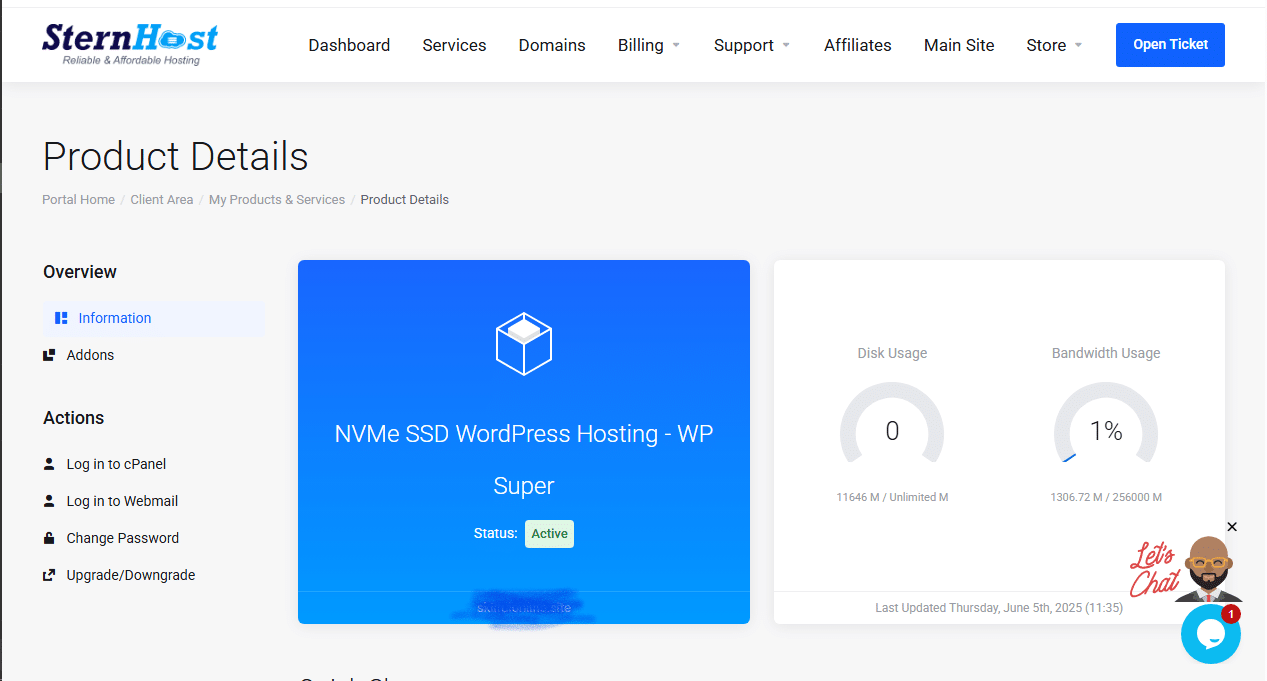
How to Manage Your Hosting Account from the Sternhost Client Area
Managing your web hosting is simple with the Sternhost Client Area. This portal gives you full control over your hosting plans, domains, billing, and support — all from one dashboard.
Here’s how to use it effectively:
1. Log In to Your Client Area
Go to https://sternhost.com/
Enter your registered ...

5 Smart Ways to Boost Your Website’s Conversion Rate Without Spending More on Ads
Driving traffic to your website is only half the battle — converting visitors into customers is where the real growth happens. Many businesses pour money into ads without realizing simple tweaks can dramatically increase conversions. In this post, we’ll explore five proven strategies to boost your website’s ...

How to Fix “Too Many Redirects” Error on Your Website
Have you ever tried opening your website only to see this frustrating message?
“This page isn’t working — redirected you too many times.”
This is known as a redirect loop, and it prevents visitors (and you) from accessing your site.The good news? It’s easy to fix once you understand ...
How to Fix “Mixed Content” Warnings After Installing an SSL Certificate
You’ve installed your SSL certificate successfully, but your website still shows a “🔒 Not Secure” or “Mixed Content” warning in the browser.Don’t worry — this is one of the most common hosting issues website owners face after switching from HTTP to HTTPS.
In this guide, we’ll show you ...