

Key Advantages of Private Cloud Hosting
Private cloud hosting is a distinct cloud computing model where dedicated resources are allocated solely for a particular organization. Unlike public cloud services that share resources among multiple users, private clouds are customized to meet the specific requirements of individual businesses. This makes private cloud hosting a ...

How to Access cPanel via the Client Area: A Simple Guide
Here's a step-by-step guide on how to log in to your cPanel through the client area.
Step 1: Log in to the Client Area
Start by heading over to the SternHost website and logging into the client area using your username and password.
Step 2: Navigate to Services
Once logged in, ...
Effective Ways to Boost PHP Memory Limit in WordPress for Optimal Performance
The PHP memory limit in WordPress is a key setting that dictates how much memory a PHP script can use on your server. Ensuring this limit is appropriately set is crucial for WordPress and its plugins to function efficiently without straining the server. This guide explains what ...
How to Add a cPanel Email Account to a Gmail App on iOS
Here’s how you can add a cPanel email account to the Gmail iOS app:
Open the Gmail App: Launch the Gmail app on your iPhone.
Add a New Account:
Tap your profile picture or the initial in the top-right corner.
Select Add another account from the menu.
Choose "Other" ...

How to Set Up a cPanel Email Account on Gmail
To add a cPanel email account to the Gmail Android app, follow these steps:
Open the Gmail app on your Android device.
Tap the Menu icon (usually represented by three horizontal lines) in the top-left corner of the app.
Scroll down and select “Settings.”
Tap “Add Account.”
...
How to Change PHP Memory Allocation in WordPress
The PHP memory allocation in WordPress determines how much memory a script can use on your server. Setting the appropriate limit is important for optimal functionality without overloading the server. This guide provides steps on adjusting PHP memory in WordPress.
What is PHP Memory Allocation?
The memory limit is ...
How to migrate a wordPress site manually
1. Export your WordPress database
Begin by exporting your WordPress database, where all your site’s data resides. Most hosting providers offer access to this through phpMyAdmin.
To export your database via phpMyAdmin:
Log into phpMyAdmin and select your database. Typically, the name will start with “wp_”.
Go to the ...
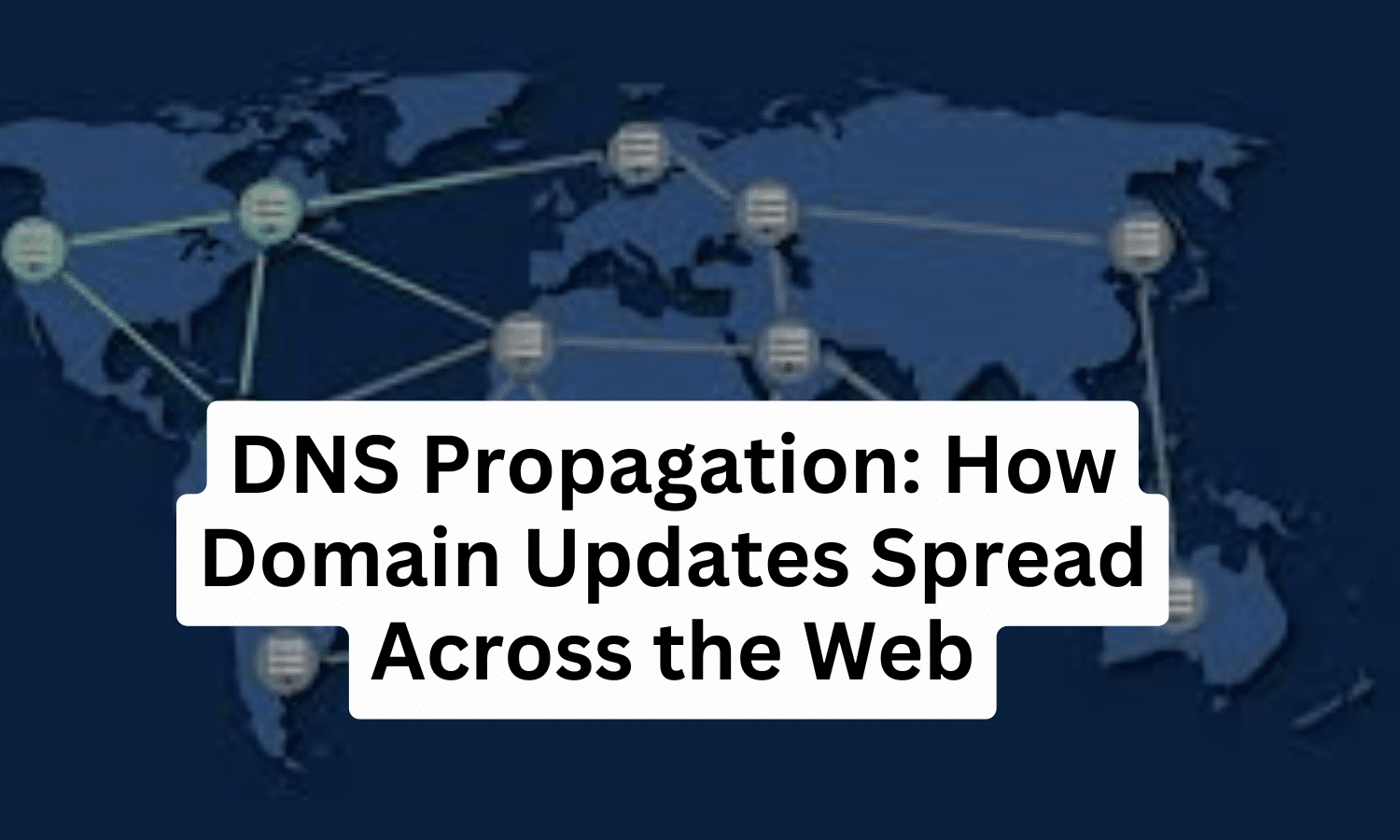
DNS Propagation
What is DNS Propagation?
DNS propagation refers to the time it takes for changes to your domain's DNS (Domain Name System) records, such as updating nameservers, to fully propagate or spread across all DNS servers globally. This process typically takes 24 to 48 hours to complete. During this ...
10 Practical Steps to Optimize Website Performance and Boost Speed
Introduction
Website performance is very important in today's fast-paced digital world. A slow-loading website can frustrate users, affect your SEO rankings, and result in lost opportunities. Website optimization is essential for improving user experience, driving traffic, and ensuring your site is running smoothly. In this guide, we’ll ...
How to Change Web Servers Smoothly: A Step-by-Step Guide
Technology is constantly evolving, and your current server might not always meet your needs. Whether you require more bandwidth, memory, or other resources to keep your websites running smoothly, upgrading to a new server can be the solution. Once you've found a web host that fits your ...