
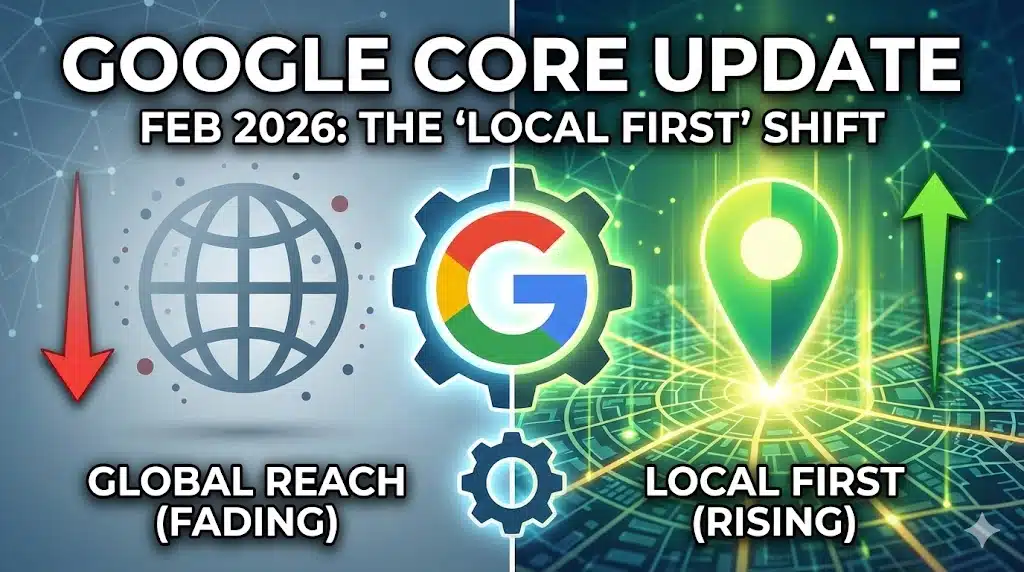
Google Core Update February 2026: Local SEO Shift
On February 5, 2026, Google quietly released a historic update that is completely reshaping how websites get traffic this month. For the first time in history, Google released a "Core Update" specifically targeting Google Discover—the personalized feed that drives millions of views to news sites and blogs.
If ...


Managed WordPress Hosting: 2026 Security & WPvivid Flaw
If you are running a WordPress site in February 2026, the cybersecurity landscape has just drastically shifted. A critical vulnerability was recently disclosed that puts nearly a million websites at risk of total takeover, proving once again that the "set it and forget it" era of website ...

Vibe Coding 2026: The New Way to Build Apps (Top Tools)
The Rise of Vibe Coding: Top Apps & Tools for 2026
If you have checked Twitter (X) or GitHub recently, you have likely noticed a massive shift. The era of memorizing syntax, fighting with semicolons, and debugging obscure error messages is fading. In its place, a new movement ...
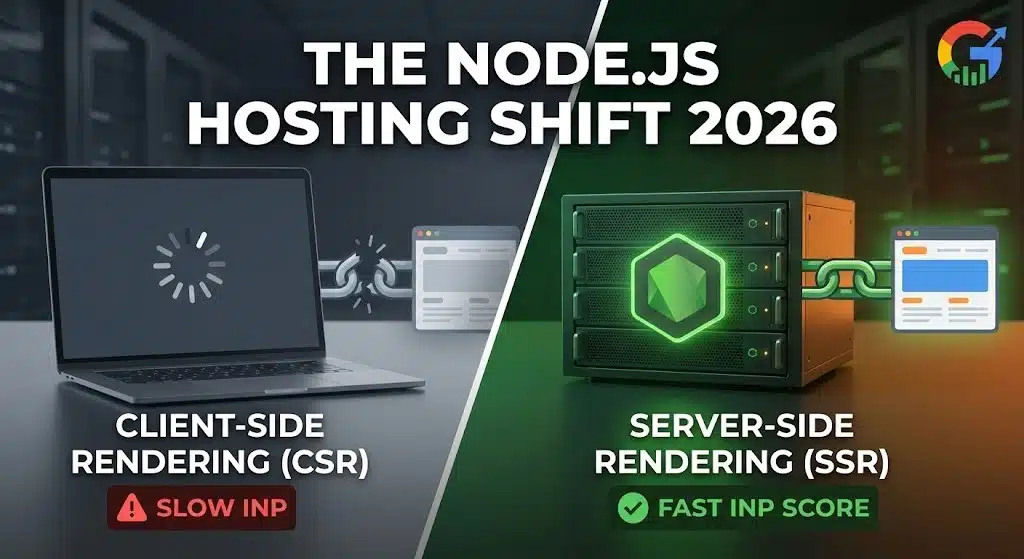
Nodejs Hosting & SSR: The 2026 Shift to Server-Side
The "Heavy" Frontend is Dead: Why 2026 is the Year of Nodejs Hosting and SSR
If you are still shipping massive JavaScript bundles to the browser in February 2026, your website is officially obsolete.
The global development community is currently undergoing its biggest architectural shift since 2016. The days ...
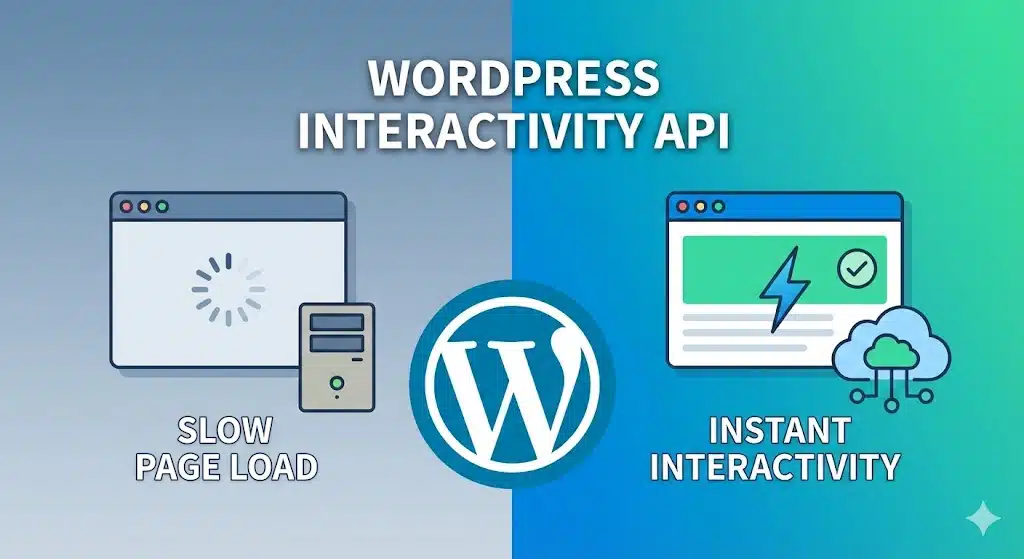
WordPress Interactivity API 2026: The End of Page Loads?
WordPress Interactivity API: The 2026 Standard for Instant Sites
For the last five years, if you wanted a website that felt like an app—where clicking a link didn't cause a white screen flash—you had only one option: Go Headless. You had to ditch the PHP theme, hire a ...
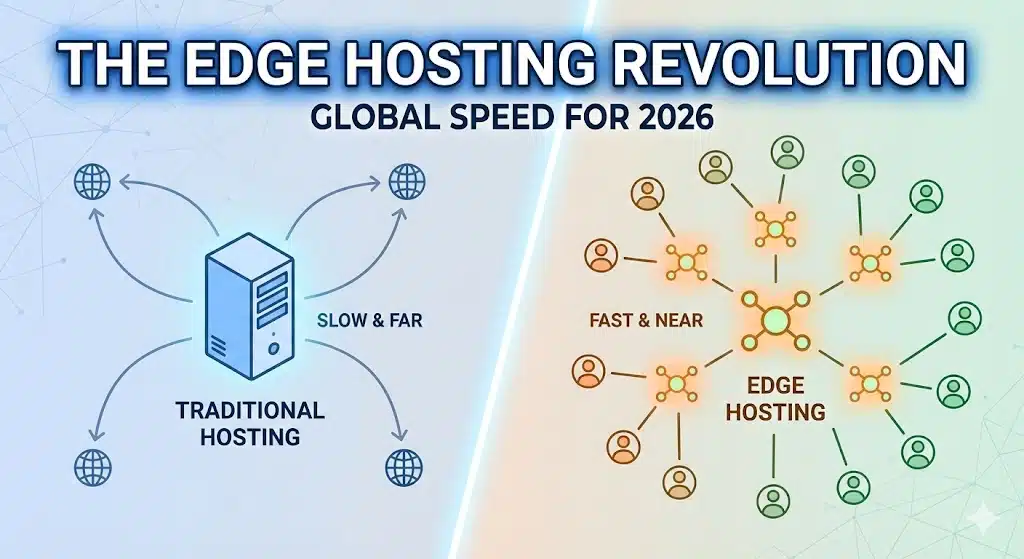
The Edge Hosting Revolution – Why Traditional Servers Fail in 2026
The Edge Hosting Revolution: Why Your "Fast" Server is Now Obsolete (2026 Edition)
For the last ten years, the formula for a fast website was simple: Buy a powerful server in a central location (like Virginia or Frankfurt) and put a Content Delivery Network (CDN) in front of ...
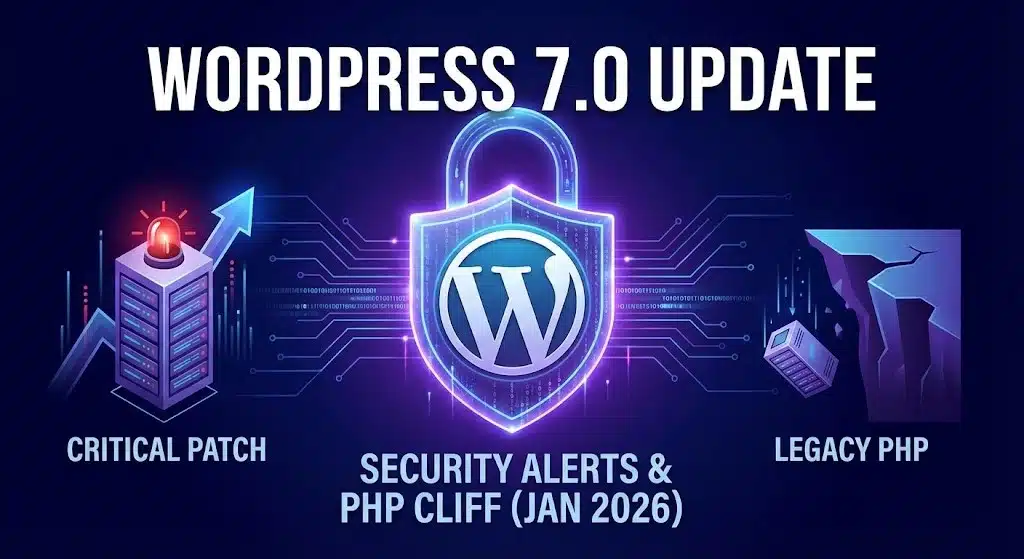
The Road to WordPress 7.0 Update: Security Alerts and The “PHP Cliff” (January 2026)
The Road to WordPress 7.0 Update: Security Alerts and The "PHP Cliff" (January 2026)
The start of 2026 has brought a massive shift to the CMS landscape. Following the release of WordPress 6.9 in late 2025, the community is now laser-focused on the revolutionary WordPress 7.0 update, scheduled ...

Cybersecurity Threats 2026: Why AI Hackers Target Small Biz
Surviving the New Wave of Cybersecurity Threats 2026
For years, small business owners believed a dangerous myth: "I am too small to be hacked." You assumed cybercriminals were only interested in banks, governments, or tech giants.
In 2026, that assumption is the most dangerous risk you can take.
The landscape ...
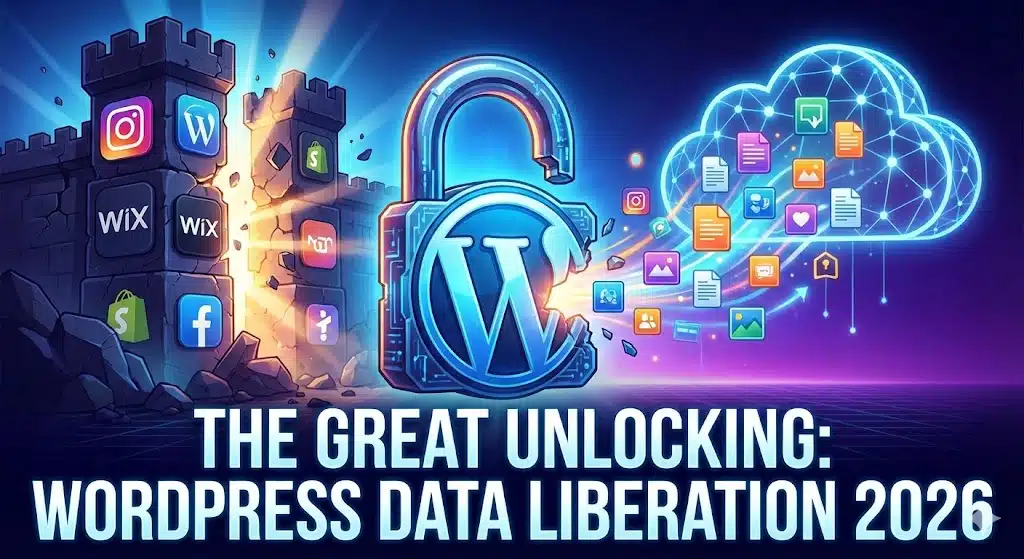
The Great Unlocking: How the WordPress Data Liberation Project is Ending the “Walled Garden” Era in 2026
The Great Unlocking: WordPress Data Liberation in 2026
For the last decade, the internet has been fragmented into "Walled Gardens."
You built your brand on Instagram, but you don't own your followers. You built your store on Shopify or Wix, but try to move your product data to another ...
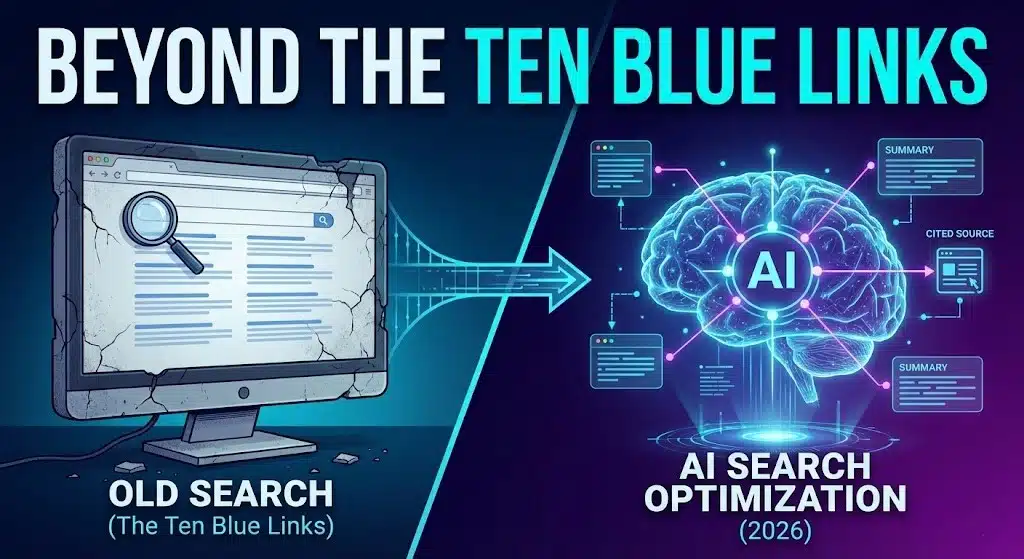
AI Search Optimization: Surviving the Shift Beyond SEO in 2026
Beyond the "Ten Blue Links": How to Survive the Shift to AI Search Optimization
For twenty years, the contract between the internet and the user was simple. You typed a question into Google. Google gave you ten blue links. You clicked one, visited a website, and the website ...