
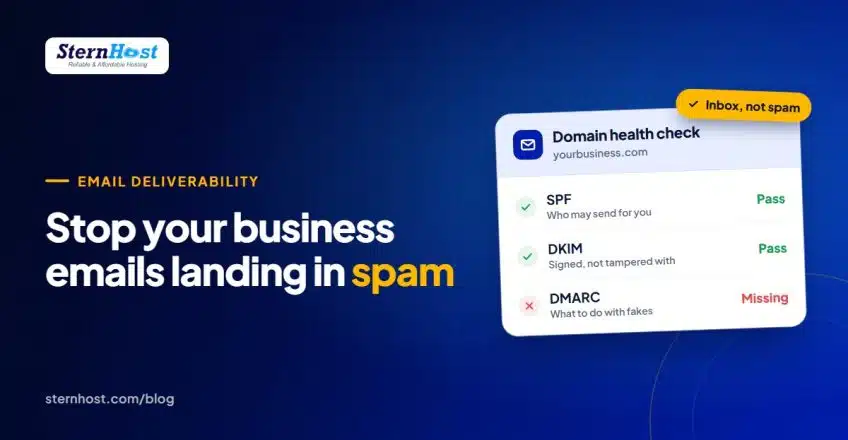

How SPF, DKIM and DMARC Keep Your Business Emails Out of Spam
You send a quote to a new client. They never reply. A week later they find it in their spam folder. If that sounds familiar, the cause is usually not what you wrote but three short records missing from your domain: SPF, DKIM and DMARC.
These records prove to Gmail, Outlook and Yahoo that an email claiming to come from your business really did. Without them, your messages look exactly like the millions of fake ones scammers send every day, so mailbox providers play it safe and send them to spam, or reject them outright.
This guide explains what each record does in plain English, why they matter more than ever in 2026, and how to set all three up in about 20 minutes.
Why email authentication suddenly matters
In February 2024, Google and Yahoo started requiring every sender to authenticate their email, with stricter rules (all three records) for anyone sending more than 5,000 messages a day to their users. In May 2025, Microsoft introduced similar requirements for Outlook.com, Hotmail and Live addresses.
Even if you only send a few emails a day, these providers now trust authenticated mail more. A small business without SPF, DKIM and DMARC is competing for the inbox with one hand tied behind its back.
SPF: the guest list
SPF (Sender Policy Framework) is a list, published in your domain's DNS, of the servers allowed to send email for your domain.
When Gmail receives an email from you@yourbusiness.com, it checks the list. If the sending server is on it, that's a pass. If not, it's suspicious.
A typical SPF record looks like this:
v=spf1 +a +mx include:_spf.google.com ~all
+a +mxmeans "our own web and mail servers may send"include:adds another service, such as Google Workspace or a newsletter tool~allmeans "treat everything else as suspicious"
Two rules people get wrong:
- Only one SPF record per domain. If you have two, both fail. Merge them into one line.
- Add every service that sends as you: your hosting mail server, your newsletter tool, your invoicing or CRM software. Forget one and those emails fail SPF.
DKIM: the wax seal
DKIM (DomainKeys Identified Mail) adds an invisible digital signature to every email you send. The matching public key sits in your DNS. The receiving server uses it to check two things: that the email really came from your domain, and that nobody changed it on the way.
Think of it as a wax seal on a letter. Anyone can write your name on an envelope, but only you have the seal.
You don't write DKIM records by hand. Your email provider generates the key and gives you a record to add (or adds it for you).
DMARC: the instructions for fakes
DMARC ties SPF and DKIM together and tells mailbox providers what to do when an email fails: deliver it anyway, put it in spam, or reject it. It also asks them to send you reports, so you can see who is sending email using your domain, including scammers.
A safe starting DMARC record looks like this:
v=DMARC1; p=none; rua=mailto:dmarc@yourbusiness.com
p=nonemeans "just monitor for now, don't block anything"rua=is where the daily reports go
Once the reports show your real emails passing, tighten it to p=quarantine (failures go to spam) and eventually p=reject (failures are refused). That's what stops criminals sending fake invoices in your name.
How to set up SPF, DKIM and DMARC in cPanel
If your email is hosted with your web hosting (as it is on cPanel hosts like SternHost), most of the work is a few clicks.
- Log in to cPanel and open Email → Email Deliverability.
- Find your domain. cPanel shows whether DKIM and SPF are valid.
- If either shows a problem, click Repair (or Manage to see the suggested record). If your domain's DNS is managed elsewhere, such as Cloudflare or your registrar, copy the suggested records and add them there instead.
- If you also send through another service (Google Workspace, Mailchimp, Brevo, your CRM), add its
include:to the same SPF record. Each service's help pages give you the exact value. - Add DMARC: in Domains → Zone Editor, add a TXT record named
_dmarcwith the valuev=DMARC1; p=none; rua=mailto:you@yourbusiness.com. - Wait for DNS to update. Usually minutes, occasionally a few hours.
Test that it worked
Send an email from your business address to a Gmail account. Open it, click the three dots, then Show original. You should see SPF: PASS, DKIM: PASS and DMARC: PASS at the top. Free tools such as MXToolbox can also check each record.
What else keeps you out of spam
The three records are the foundation, but mailbox providers also look at behaviour:
- Send from your own domain, not a free Gmail or Yahoo address, for anything business-related. A domain and hosting with email included cost less than most people expect; see what a small business website really costs.
- Don't buy email lists. High bounce and complaint rates damage your domain's reputation fast.
- Include an unsubscribe link in newsletters and honour it.
- Avoid spammy formatting: all caps, lots of exclamation marks, a single large image with no text.
- Warm up new domains by starting with small volumes before sending big campaigns.
Frequently asked questions
Do I need SPF, DKIM and DMARC if I only send a few emails a day?
Yes. The strict bulk-sender rules apply above 5,000 emails a day, but Gmail and Outlook trust authenticated mail more at any volume. Small senders benefit the most because they have no sending reputation to fall back on.
Will adding DMARC stop my emails being delivered?
Not with p=none, which only monitors. Start there, check the reports for a few weeks, then move to quarantine or reject once you're sure all your legitimate senders pass.
Can I have two SPF records?
No. Two SPF records on the same domain make both fail. Combine all your senders into a single record with multiple include: entries.
Why do my emails still go to spam with all three set up?
Authentication proves who you are, not that people want your email. Check your content, your list quality and whether your domain or server IP is on a blacklist. Our guide to fixing email delivery issues covers the next steps.
Get business email that's set up properly from day one
Email authentication is much easier when your domain, website and mailboxes live in one place. Every SternHost hosting plan, from $1/month, includes unlimited business email accounts on your own domain, with cPanel's Email Deliverability tool to check and repair SPF and DKIM in a click, plus free SSL and daily backups.
Get professional email with SternHost hosting and make sure your next quote lands in the inbox, not the spam folder. Need a domain for it? Register one here.