

The global web development ecosystem just received a massive structural upgrade. The highly anticipated WordPress 7.0 release, officially codenamed “Armstrong” in honor of the legendary jazz musician Louis Armstrong, has landed. Known as the first great jazz soloist who transformed the genre with his improvisation, Armstrong’s legacy mirrors the goal of this new software version: giving creators the freedom to shape their digital environments effortlessly. This major iteration moves beyond minor bug fixes, introducing fundamental architectural changes that prepare the internet’s most popular content management system for the next generation of artificial intelligence.
Exploring the WordPress 7.0 Armstrong Release
The most consequential addition to this update is the introduction of a standardized artificial intelligence foundation directly inside WordPress Core. The platform is not forcing an AI to write your entire website, but rather providing developers and site owners with a native, secure way to connect their infrastructure to massive language models. In previous versions, every single plugin had to build its own isolated AI connection, leading to a bloated and confusing user experience.
The new architecture includes a unified AI Client and a centralized Connectors screen located in the dashboard. From this single hub, you can securely input your API keys to connect with providers like OpenAI, Anthropic, or Google. Once authenticated, any compatible plugin can utilize this shared connection to generate images, write excerpts, or suggest alt text. This creates a significantly safer and more manageable ecosystem for global site administrators.
A Modernized Dashboard and Visual Revisions
Beyond backend API connections, the daily administrative experience has received a massive visual and functional overhaul. The old dashboard often felt rigid, but this release introduces a modernized interface designed for rapid workflow and editorial clarity.
-
The Command Palette: A brand-new shortcut icon now sits in the upper admin bar. By pressing Cmd+K on a Mac or Ctrl+K on a PC, logged-in users can instantly open a search interface to access tools and jump between screens from anywhere in the backend.
-
Visual Revisions: The old revisions system displayed raw, confusing HTML code. The new visual revisions screen renders your content exactly as it looks in the editor, using intuitive color-coded markers to show modifications in yellow, deletions in red, and additions in green.
-
The Centralized Font Library: Site owners now have a dedicated management screen to upload, install, and apply typography across block, hybrid, and classic themes without relying on scattered third-party plugins.
-
Smooth Transitions: As you navigate through the modernized dashboard, the platform now utilizes View Transitions to create a fluid, seamless shifting effect between screens.
Enhanced Design Freedom and New Blocks in WordPress 7.0
Design flexibility continues to be a primary focus, allowing creators to build complex layouts without needing to write custom code or rely on heavy page builders. This update brings several long-requested features directly into the core editing experience.
-
Responsive Block Visibility: You now possess granular control over mobile user experiences. You can easily instruct the editor to hide massive hero images on mobile devices or display specific call-to-action buttons exclusively on desktop screens without utilizing messy CSS hacks.
-
Expanded Core Blocks: The editor now includes a native Breadcrumbs block to visually display site hierarchy, and an Icons block that eliminates the need for external icon plugins. Furthermore, the Gallery block now natively supports lightbox slideshows, and Cover blocks can now host video backgrounds.
-
Custom Mobile Navigation: Site owners are no longer stuck with generic hamburger menus. You can now customize mobile navigation overlays directly within the Site Editor using blocks and custom patterns.
While these powerful new tools give you unprecedented control over your digital storefront, running an advanced, AI-integrated CMS requires significant backend processing power. You cannot rely on outdated, shared servers to run these complex new database queries and API connections. Deploy your upgraded web presence on SternHost today. For just ₦1,195.00/month, you receive the raw server speed, unmetered bandwidth, and enterprise-grade reliability necessary to power the future of your digital business flawlessly.
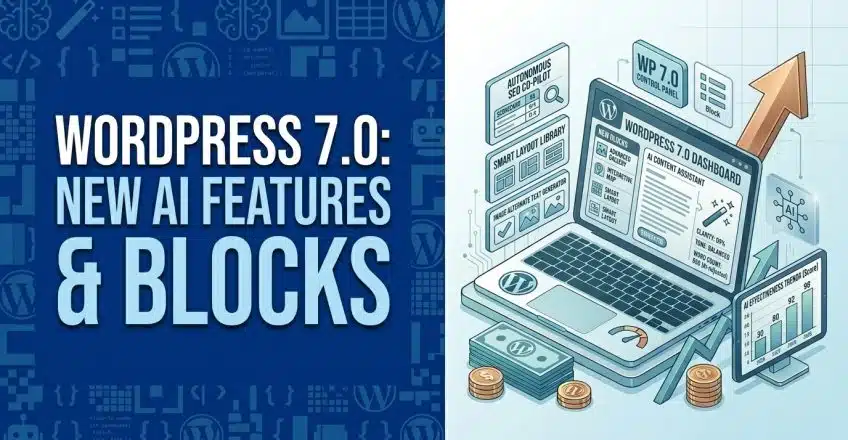
WordPress 7.0 AI features overview visually demonstrates how the new built-in AI integrations and the redesigned admin interface function together in practice.